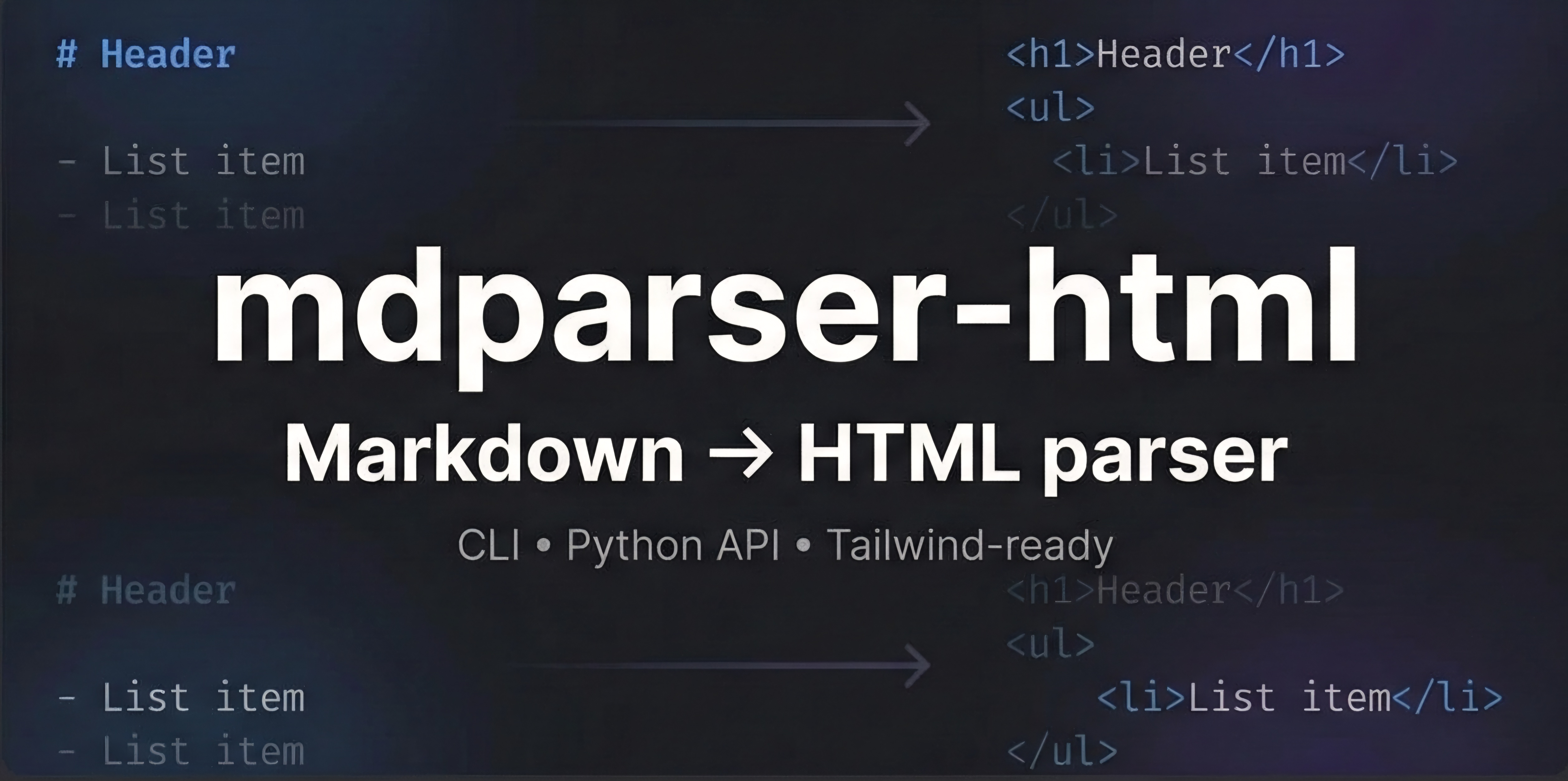
mdparser-html
A lightweight, extensible Markdown parser for Python with clean API, CLI support, and modern HTML output.
Simple API
Single function API designed for simplicity. Convert Markdown to HTML with just one function call.
Fast & Lightweight
No runtime dependencies. Regex-based parser optimized for performance and small footprint.
Modern Output
Generates clean, semantic HTML with syntax highlighting and responsive design support.
Installation
Install mdparser-html using pip:
pip install mdparser-htmlRequirements: Python 3.7+ (no additional dependencies required)
API Reference
Public API
parse_markdown(markdown_text: str, *, full_html=True, title="Markdown to HTML", include_cdn=True) → str
mdparser-html exposes a single public API designed to be simple by default, but flexible when needed.
Parameters:
markdown_text(str): The Markdown content to convertfull_html(bool, optional): Generate complete HTML document (default: True)title(str, optional): HTML document title (default: "Markdown to HTML")include_cdn(bool, optional): Include CDN assets for styling and syntax highlighting (default: True)
Returns:
str: Rendered HTML content
🔹 Basic Usage (Default)
Converts Markdown into a complete HTML document, including <html>,
<head>, and <body>.
from mdparser import parse_markdown

                md = "# Hello World\nThis is **Markdown**."

                html = parse_markdown(md)
                print(html)
Features included:
- ✔ Includes syntax highlighting
- ✔ Includes default styles
- ✔ Ready to open in browser
🔹 Body-Only Output (Embedding)
If you want only the HTML body (for embedding inside an existing page or framework):
html = parse_markdown(
                md,
                full_html=False
                )

                print(html)
Output will contain only rendered elements, no <html> or <head>.
🔹 Custom HTML Title
You can customize the <title> tag when generating full HTML:
html = parse_markdown(
                md,
                title="My Documentation Page"
                )
Useful for:
- • Static sites
- • Docs generators
- • SEO-friendly pages
🔹 Disable CDN Assets
By default, the parser injects CDN links for syntax highlighting and styling. You can disable all external assets:
html = parse_markdown(
                md,
                include_cdn=False
                )
Benefits:
- ✔ No external requests
- ✔ Suitable for offline use
- ✔ Ideal for strict environments
Advanced Features
🔹 Fenced Divs with Styling
You can create semantic or styled containers directly in Markdown:
::: hero bg-blue-100 p-4
                # Welcome
                This is a hero section
                :::
Rendered HTML:
<div class="hero bg-blue-100 p-4">
                <h1>Welcome</h1>
                <p>This is a hero section</p>
                </div>
This enables:
- • Tailwind utility classes
- • Custom layouts
- • Component-like sections
🔹 Tables
Tables are supported using a simple, readable syntax:
:::table
                Name | Role | Age
                Tarun | Developer | 21
                Alex | Tester | 22
                :::
Automatically rendered as a styled HTML table.
Examples
CLI Usage
Convert Markdown files from the command line:
# Basic conversion
                md2html input.md -o output.html

                # With custom options
                md2html README.md -o docs.html --title "My Project Documentation"
Python Examples
Complete Example
from mdparser import parse_markdown

                md = """
                # Hello World

                This is **Markdown**.

                ::: hero
                Styled block
                :::
                """

                html = parse_markdown(
                md,
                title="Demo Page",
                include_cdn=False
                )

                with open("output.html", "w") as f:
                f.write(html)
Static Site Generation
import os
                from pathlib import Path
                from mdparser import parse_markdown

                def build_site(source_dir, output_dir):
                """Convert all Markdown files to HTML"""
                source_path = Path(source_dir)
                output_path = Path(output_dir)
                output_path.mkdir(exist_ok=True)

                for md_file in source_path.glob("*.md"):
                with open(md_file, 'r', encoding='utf-8') as f:
                content = f.read()

                html = parse_markdown(
                content,
                title=md_file.stem.replace('_', ' ').title(),
                full_html=True,
                include_cdn=True
                )

                output_file = output_path / f"{md_file.stem}.html"
                with open(output_file, 'w', encoding='utf-8') as f:
                f.write(html)

                print(f"✓ {md_file.name} → {output_file.name}")

                # Usage
                build_site("./docs", "./public")
Framework Integration
# Flask example
                from flask import Flask, render_template_string
                from mdparser import parse_markdown

                app = Flask(__name__)

                @app.route('/docs/<page>')
                def docs(page):
                with open(f'docs/{page}.md', 'r') as f:
                markdown_content = f.read()

                # Get only the body content for embedding
                html_content = parse_markdown(
                markdown_content,
                full_html=False,
                include_cdn=False
                )

                return render_template_string("""
                <!DOCTYPE html>
                <html>
                <head>
                <title>{{ page }}</title>
                <link rel="stylesheet" href="/static/custom.css">
                </head>
                <body>
                {{ content|safe }}
                </body>
                </html>
                """, page=page, content=html_content)

                if __name__ == '__main__':
                app.run(debug=True)
Documentation Generator
from mdparser import parse_markdown
                import yaml
                from pathlib import Path

                class DocGenerator:
                def __init__(self, config_file="docs.yaml"):
                with open(config_file, 'r') as f:
                self.config = yaml.safe_load(f)

                def generate(self):
                for doc in self.config['documents']:
                self.process_document(doc)

                def process_document(self, doc_config):
                md_path = Path(doc_config['source'])
                output_path = Path(doc_config['output'])

                with open(md_path, 'r', encoding='utf-8') as f:
                content = f.read()

                html = parse_markdown(
                content,
                title=doc_config.get('title', md_path.stem),
                full_html=True,
                include_cdn=doc_config.get('include_cdn', True)
                )

                output_path.parent.mkdir(parents=True, exist_ok=True)
                with open(output_path, 'w', encoding='utf-8') as f:
                f.write(html)

                print(f"📄 Generated {output_path}")

                # Example docs.yaml:
                # documents:
                # - source: "README.md"
                # output: "public/index.html"
                # title: "Project Overview"
                # - source: "api.md"
                # output: "public/api.html"
                # title: "API Documentation"

                generator = DocGenerator()
                generator.generate()
Design Philosophy
Simple API Design
Single public function → parse_markdown. Internal
helpers are intentionally hidden to maintain a clean interface.
Performance First
Regex + state machine based (no heavy AST yet). Optimized for speed and memory efficiency.
Extensible Architecture
Designed to evolve into multi-renderer support (HTML, Pug, JSON, etc.) while maintaining backwards compatibility.
Zero Dependencies
No runtime dependencies required. Works out of the box with just Python standard library.
❤️ Support mdparser-html
If you find mdparser-html useful for your projects, consider supporting its development. Your sponsorship helps maintain the project and fund new features!
Every contribution matters! ⭐ Star the repo if you like the project
🔮 Coming Soon
AST-based parsing
More robust parsing with abstract syntax tree support
Custom render targets
Support for Pug, JSON, and other output formats
Plugin hooks
Extensible plugin system for custom functionality
Performance optimizations
Further speed improvements and memory optimizations